The Complete Smart Home Setup Checklist (Free Printable + Buying Guide)
A simple, no-fluff checklist for setting up a smart home — plus a buying guide for every category and a free printable download.
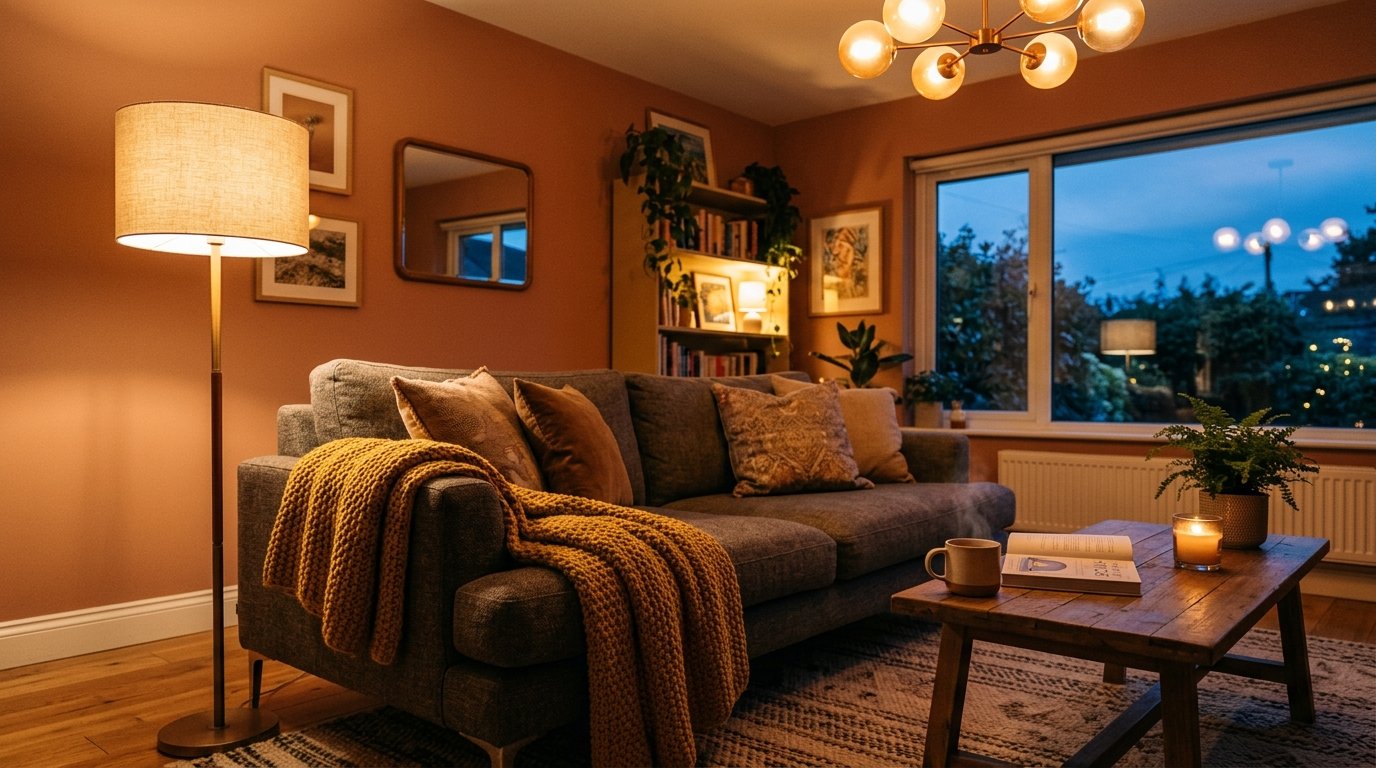
Setting up a smart home can feel overwhelming fast. There are dozens of gadgets out there, and it’s easy to either buy way too much at once or end up with a random mix of devices that don’t actually work well together.
This checklist keeps things simple. It’s the exact list I’d give a friend who wants to start automating their home without wasting money on stuff they don’t need.
Below is the full checklist, tips on what to look for in each category, and a few mistakes worth avoiding. There’s also a free printable version at the bottom if you’d rather work through it on paper.
The Quick-Start Checklist
Core Hub & Connectivity
- Wi-Fi router (dual-band or mesh, with strong coverage)
- Smart home hub, if you’re not just using app-only devices
- Mesh Wi-Fi extenders, for bigger homes
Lighting
- Smart bulbs
- Smart light switches or dimmers
- Motion-sensor lights for entryways and hallways
Security & Monitoring
- Video doorbell
- Indoor or outdoor security cameras
- Smart lock for the front door
- Smart smoke and CO detector
Climate & Comfort
- Smart thermostat
- Smart plugs, for appliances that aren’t smart on their own
- Air quality monitor (optional)
Voice & Control
- Smart speaker or display
- Universal remote or hub app
Convenience & Extras
- Robot vacuum
- Smart doorbell or intercom
- Leak detector for the kitchen, laundry, or bathroom
- Smart outlets with scheduling
What to Look for When Buying Each Item
Wi-Fi Router / Mesh System
Your whole smart home depends on this, so don’t skimp here. Look for strong coverage across your whole home, not just fast speeds. If you live in a bigger house or have dead zones, a mesh system is worth it.
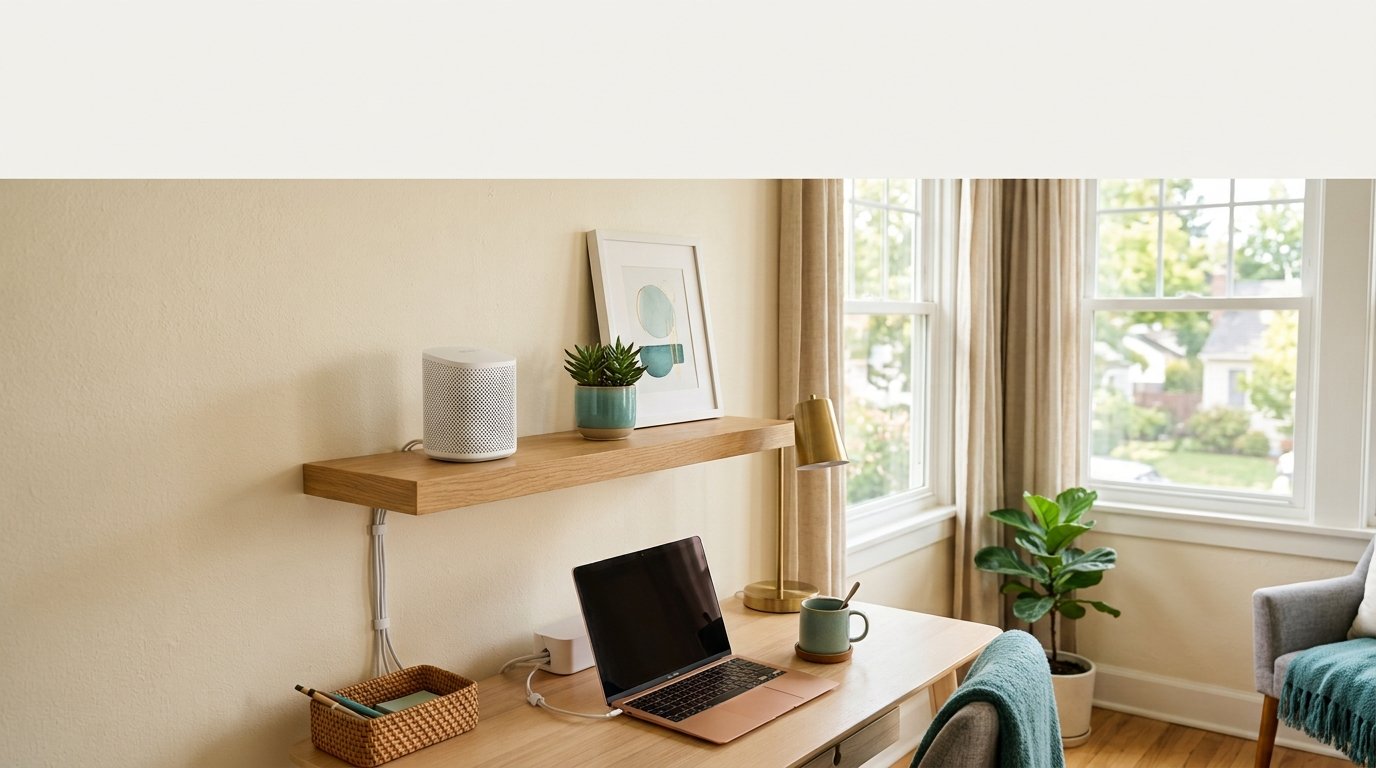
- Our pick: Amazon eero Mesh Wi-Fi Router
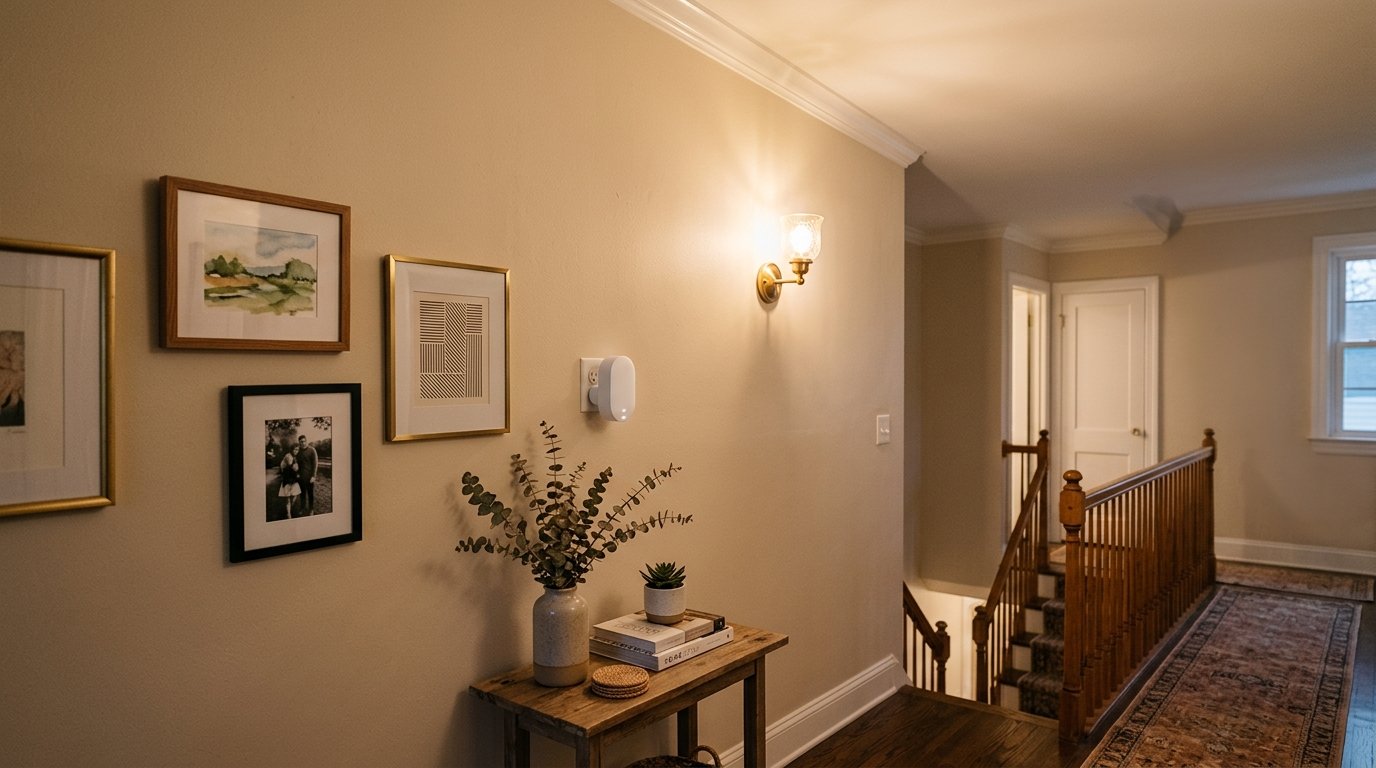
For larger homes, a Wi-Fi extender plugged into a hallway or landing outlet can fix dead zones without replacing your whole router setup.
Priya's tip
Run a speed test before you buy anything. If your upload speed is under 5 Mbps, a fancier router won’t fix that — you need to fix the connection first, then worry about coverage.
Smart Home Hub
Check that it actually works with the devices you already own or plan to buy. Some ecosystems (like Google, Amazon, or Apple) work better together than others, so pick one and try to stick with it.
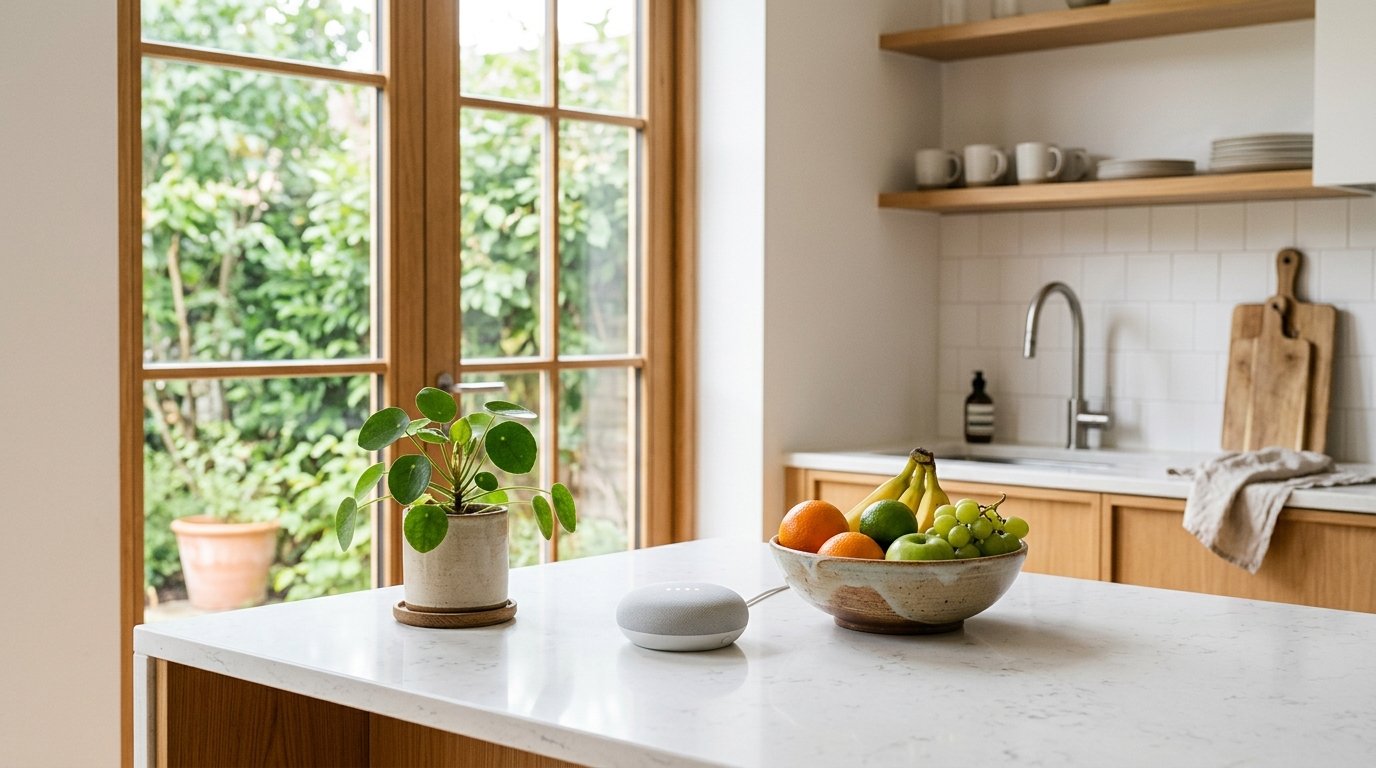
- Popular pick: Amazon Echo Spot (newest model) — a smart alarm clock designed for nightstands, offices, and kitchens, built for Alexa+
- Upgrade pick: Aeotec Smart Home Hub — works as a SmartThings hub with Z-Wave, Zigbee, and Matter support, compatible with Alexa and Google Assistant
Smart Bulbs & Switches
Bulbs are easy to start with, but switches are better long-term since they still work even if someone turns off the power at the wall. Look for dimming support and easy app control.
- Our pick: Leviton Decora Smart Switch — Wi-Fi, works with Matter, Alexa, Google Assistant, and Apple Home/Siri, wired or wirefree 3-way (neutral wire required)
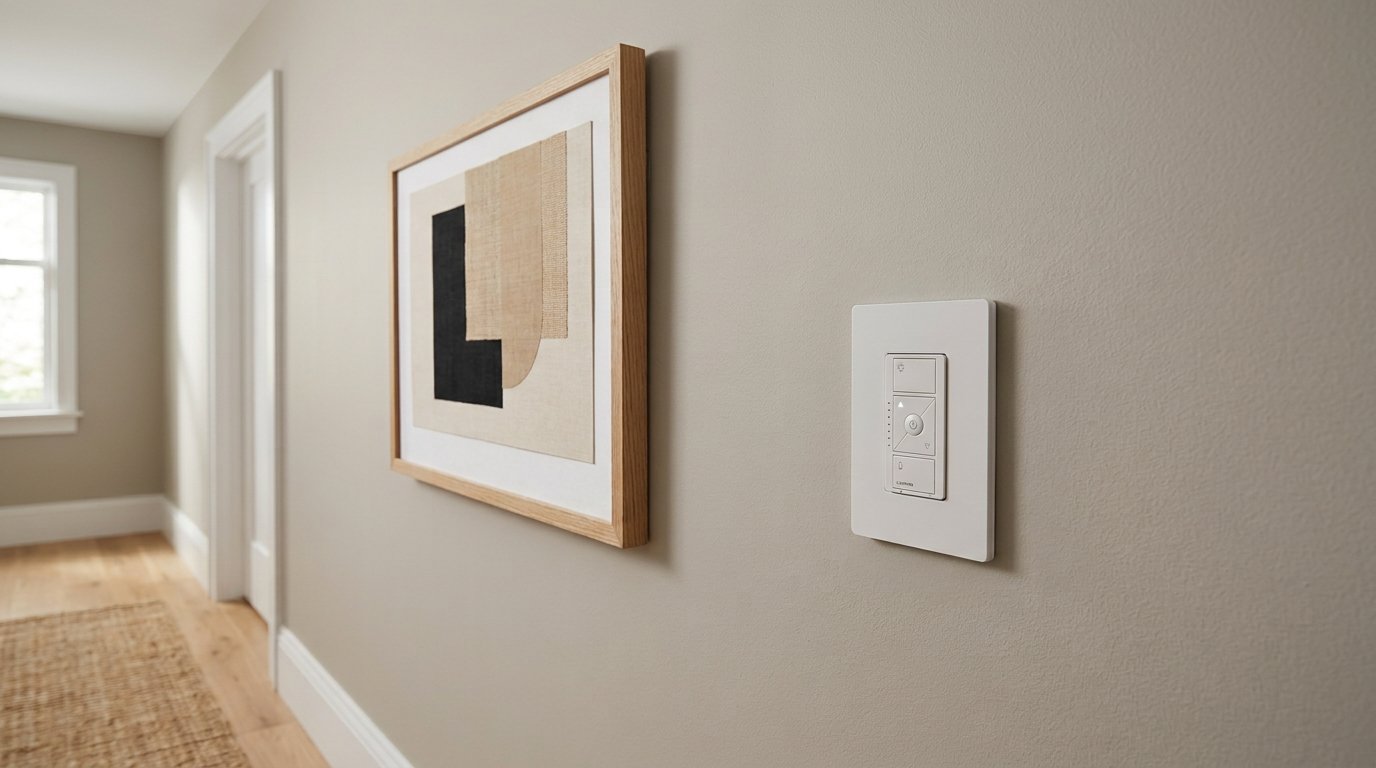
A smart dimmer switch is a simple upgrade for hallways and shared spaces where a bulb swap isn’t practical.
- Our pick: Leviton Decora Smart Dimmer Switch — 0-10V, Wi-Fi, works with Matter, My Leviton, Alexa, Google Assistant, and Apple Home/Siri, wired or wire-free 3-way (neutral wire required)
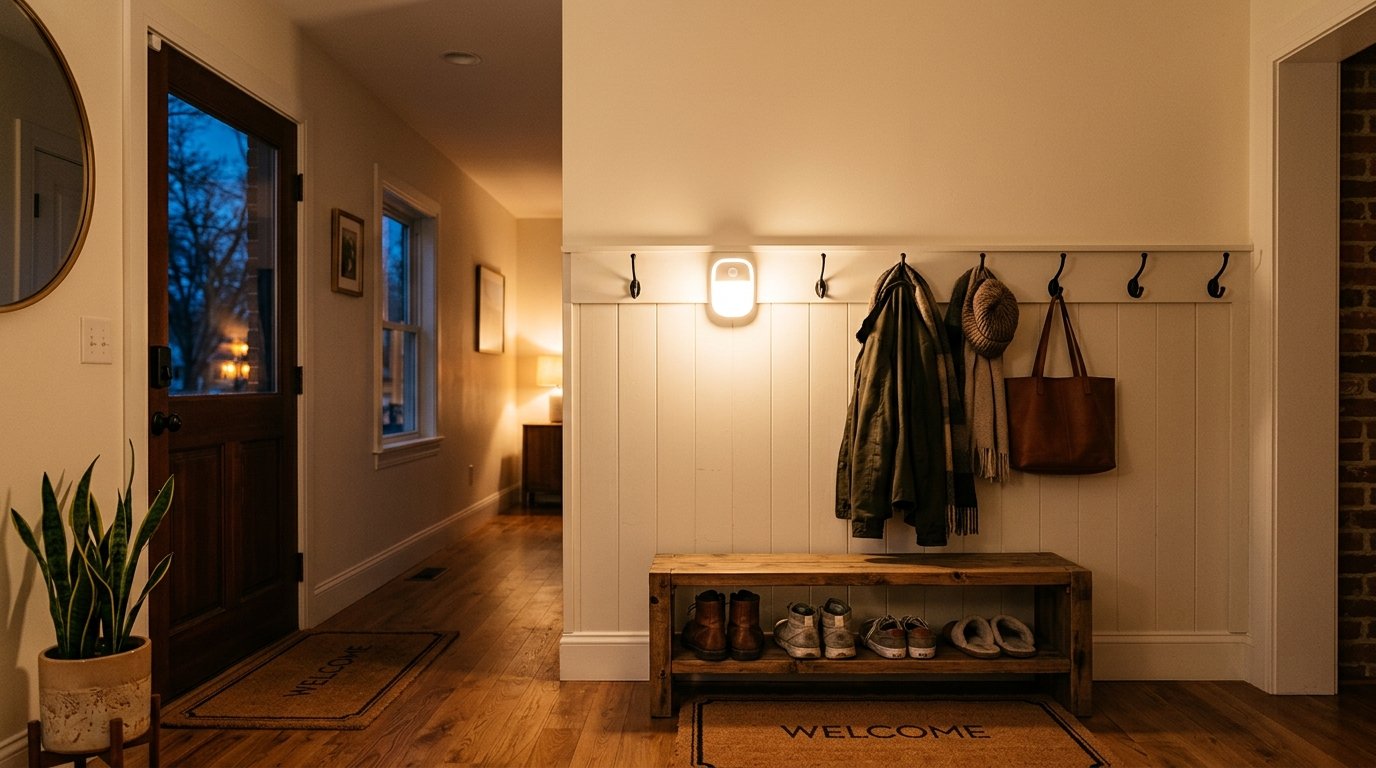
Motion-sensor lights are a small addition that make a big difference in entryways and hallways.
Start with one room
If you’re not sure where to begin, start with your entryway or living room. It’s the easiest place to notice the difference, and it gives you a feel for the app before you commit to a whole house.
Video Doorbell & Cameras
Look for clear night vision and reliable motion alerts — a doorbell that’s slow to notify you isn’t much use. Also check if cloud storage costs a monthly fee or if local storage is included.

- Our pick: Arlo Video Doorbell 2K (2nd Gen), Wireless or Wired — 1-Cam
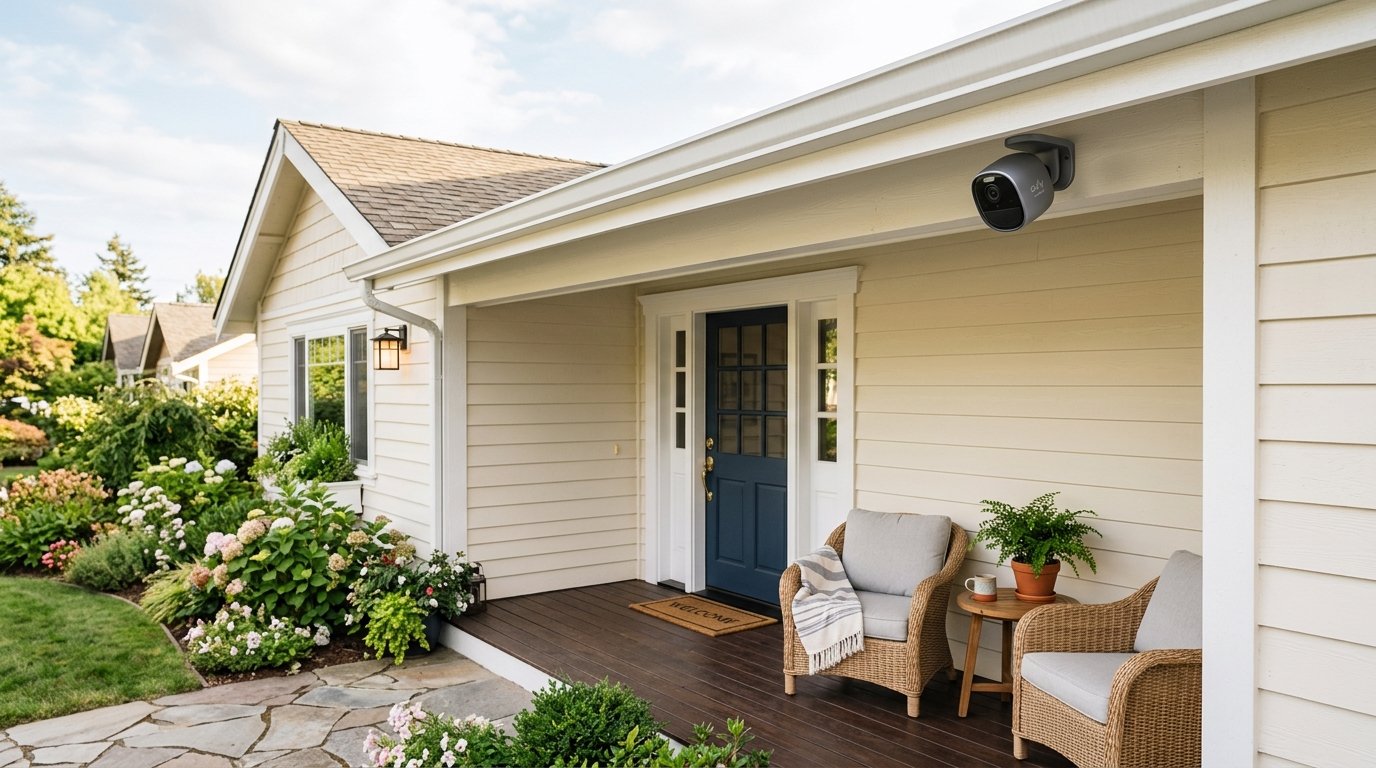
- Our pick: Google Nest Cam Outdoor (Wired, 2nd Gen) — Security Camera, Snow, 2-Pack
Smart Lock
Make sure it has a backup way to get in, like a physical key or keypad, in case the battery dies or the app has issues. Look for models that work with your existing door hardware.
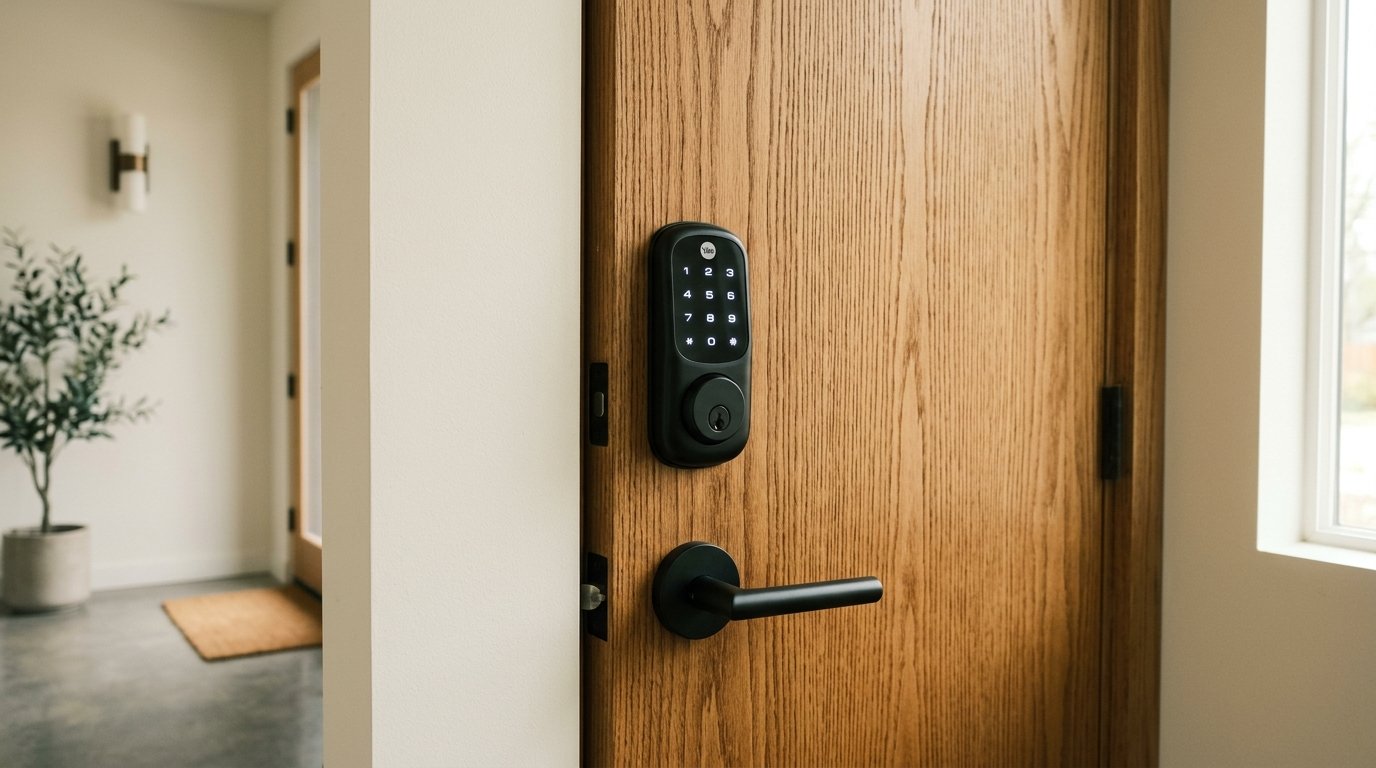
- Our pick: Schlage Encode Smart WiFi Deadbolt Lock with Greenwich Trim, Matte Black — keyless entry, touchscreen keypad, app control, works with Alexa, Google Home, Ring, and Airbnb, certified security
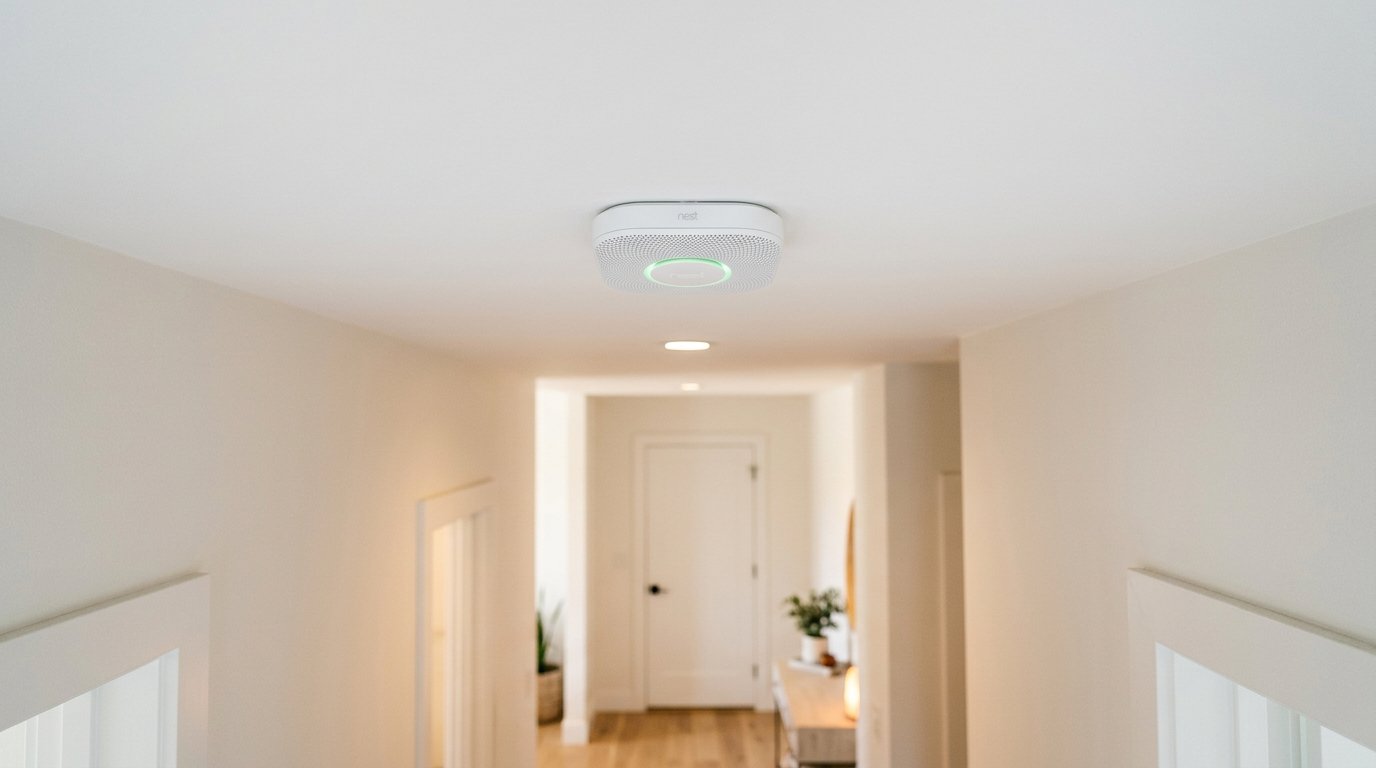
- Our pick: SITERLINK Smoke Detectors — smoke alarms with replaceable battery, photoelectric sensor, test-silence button, 6-Pack
Mara's tip
Video doorbells that rely only on cloud storage often come with a monthly fee attached down the line. Before buying, check whether local storage is an option — it can save you money over time and means your footage doesn’t depend on someone else’s servers staying online.
Smart Thermostat
Look for one that learns your schedule and shows you real energy savings. Double check it works with your home’s heating and cooling system before buying — not all thermostats fit all setups.
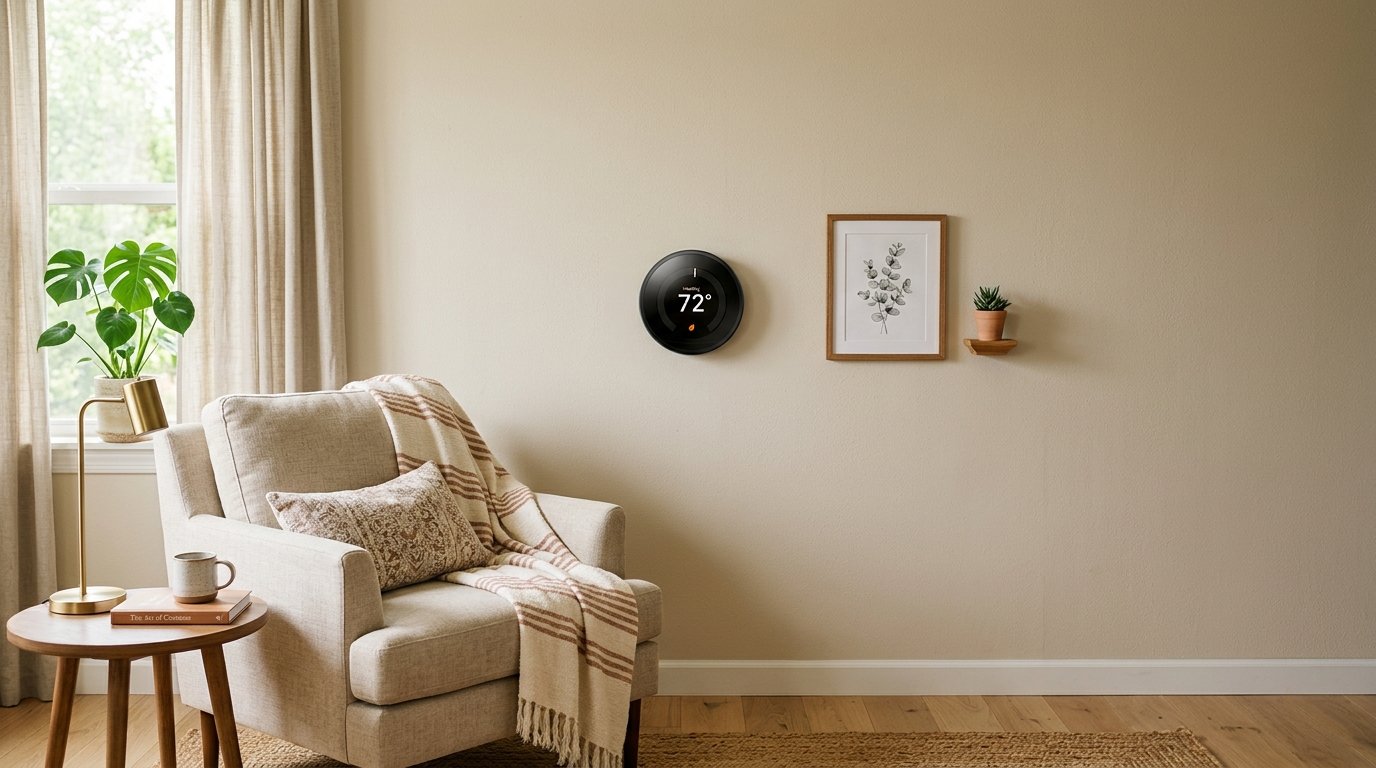
- Our pick: Google Nest Thermostat — Smart Thermostat for Home, Programmable Wifi Thermostat, Sand
Smart plugs are a cheap way to bring older, non-smart appliances (like lamps) into your setup without replacing them.
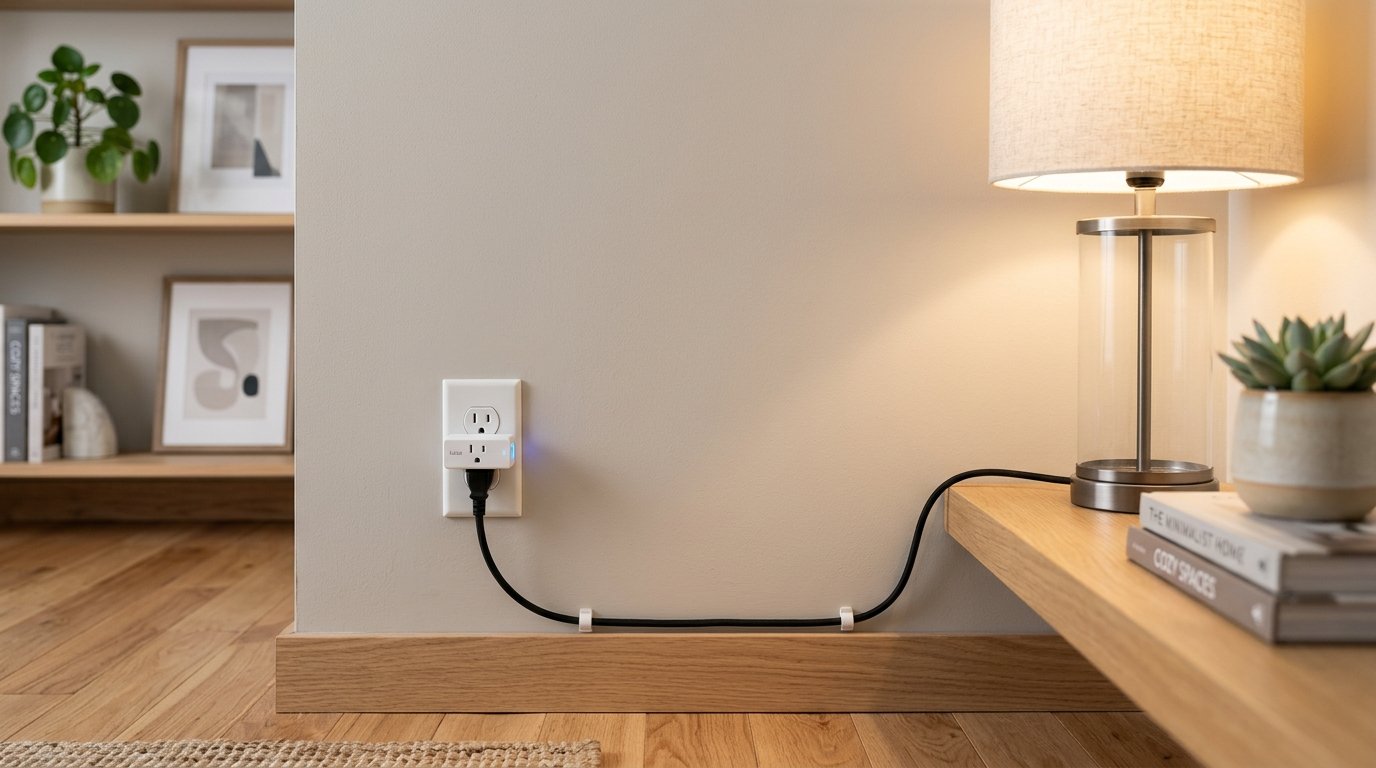
- Our pick: TP-Link Tapo Matter Supported Smart Plug Mini — compact design, 15A/1800W max, works with Apple Home, Alexa, and Google Home, UL certified, Tapo P125M (3-Pack)
If air quality matters to you, a small monitor on a windowsill is an easy, unobtrusive way to keep an eye on it.
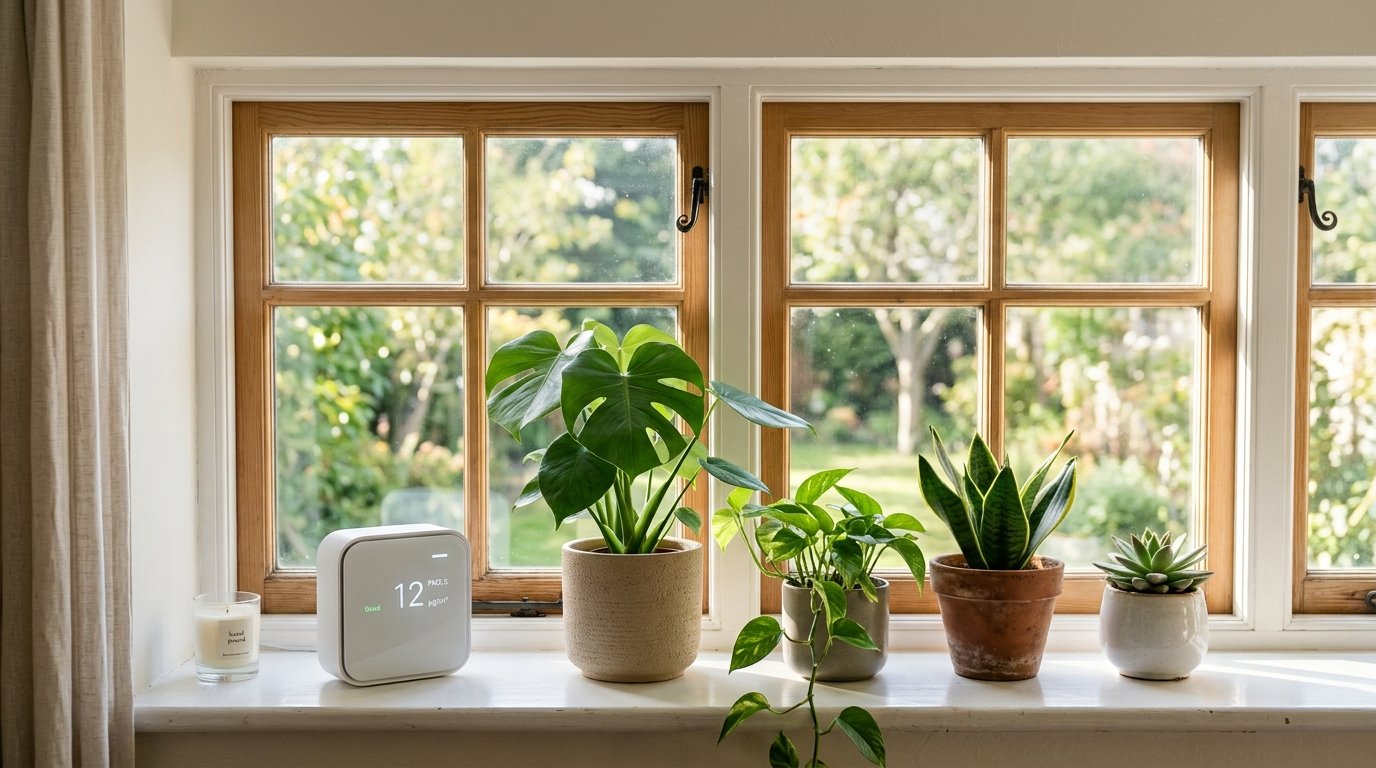
- Budget pick: Air Quality Monitor Indoor — 10-in-1 Smart Air Quality Tester
- Upgrade pick: Aranet4 Home — Wireless Indoor Air Quality Monitor for Home, Office, or School (CO2, Temperature, Humidity, and More), portable, battery powered, E-Ink screen, app for configuration and data history
Smart Speaker / Display
Pick based on which voice assistant you already use or prefer, since switching later is annoying. A display is nice for quick visual info (weather, calendar) but not required.

- Our pick: Google Nest Hub Wall Mount — built-in wall mount, fits Gen 1 (2018) only, PoE compatible

- Budget pick: GE Rechargeable TV Remote Control — universal remote control, backlit
- Upgrade pick: SofaBaton U3 Universal Remote Control — scroll wheel, air mouse, Bluetooth multipoint, customizable buttons, works with IR/Bluetooth/RF devices, voice control with Google Assistant
Robot Vacuum
Look for good mapping and easy scheduling. If you have pets or rugs, check reviews for how well it handles hair and different floor types before buying.

- Our pick: MOVA P10 Pro Ultra Robot Vacuum and Mop — 140°F water washing and drying
Priya's tip
Before buying a robot vacuum, pick up any loose cables, cords, and small objects from your floors for the first few runs. Cables are the number one cause of a robot vacuum getting stuck or tangled — once you know its usual path, you can leave things where they are.
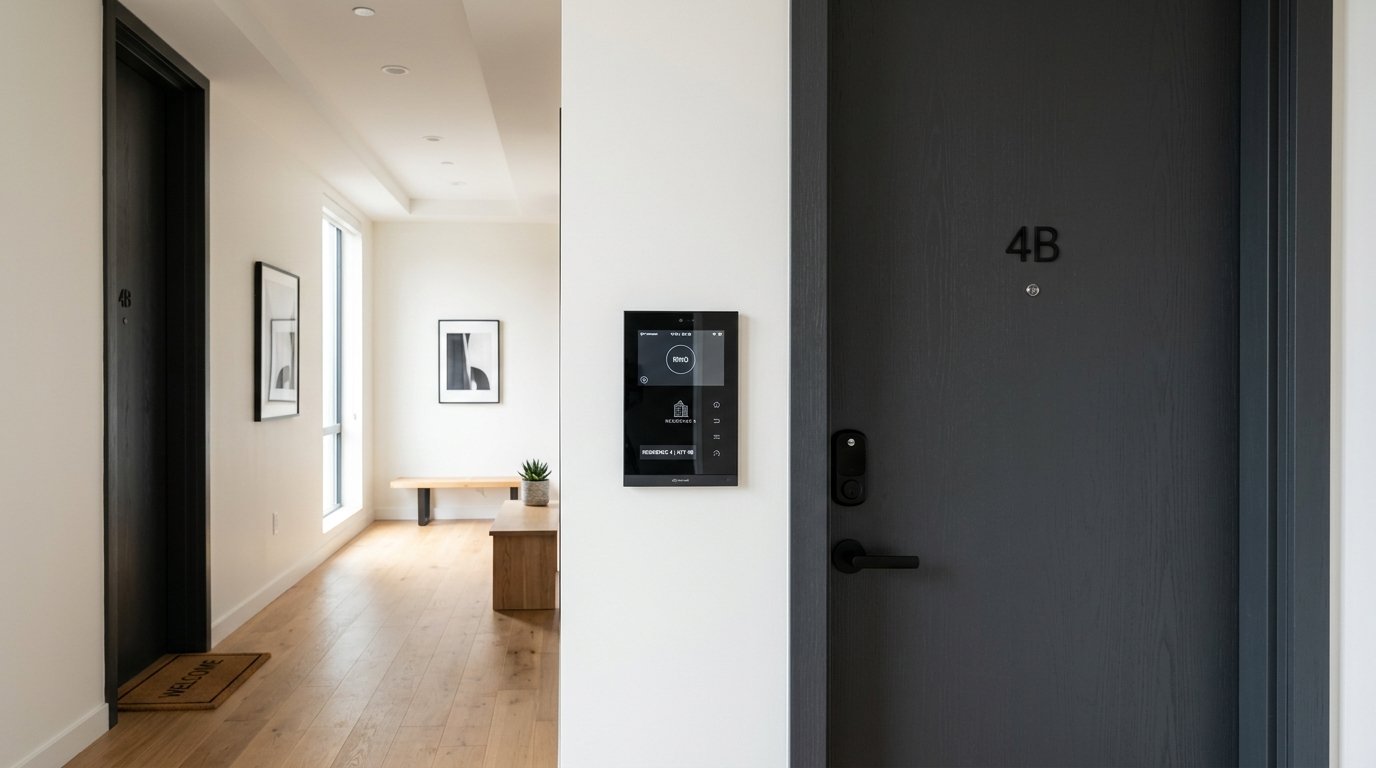
- Our pick: Wireless Smart Video Doorbell Intercom System — WiFi 1080P video doorbell camera with monitor, 7” touch screen, motion detection, no subscription, app control
Leak Detector
This is a small, cheap purchase that can save you from a very expensive repair. Get one for anywhere water damage would be costly — under sinks, behind the washing machine, near the water heater.
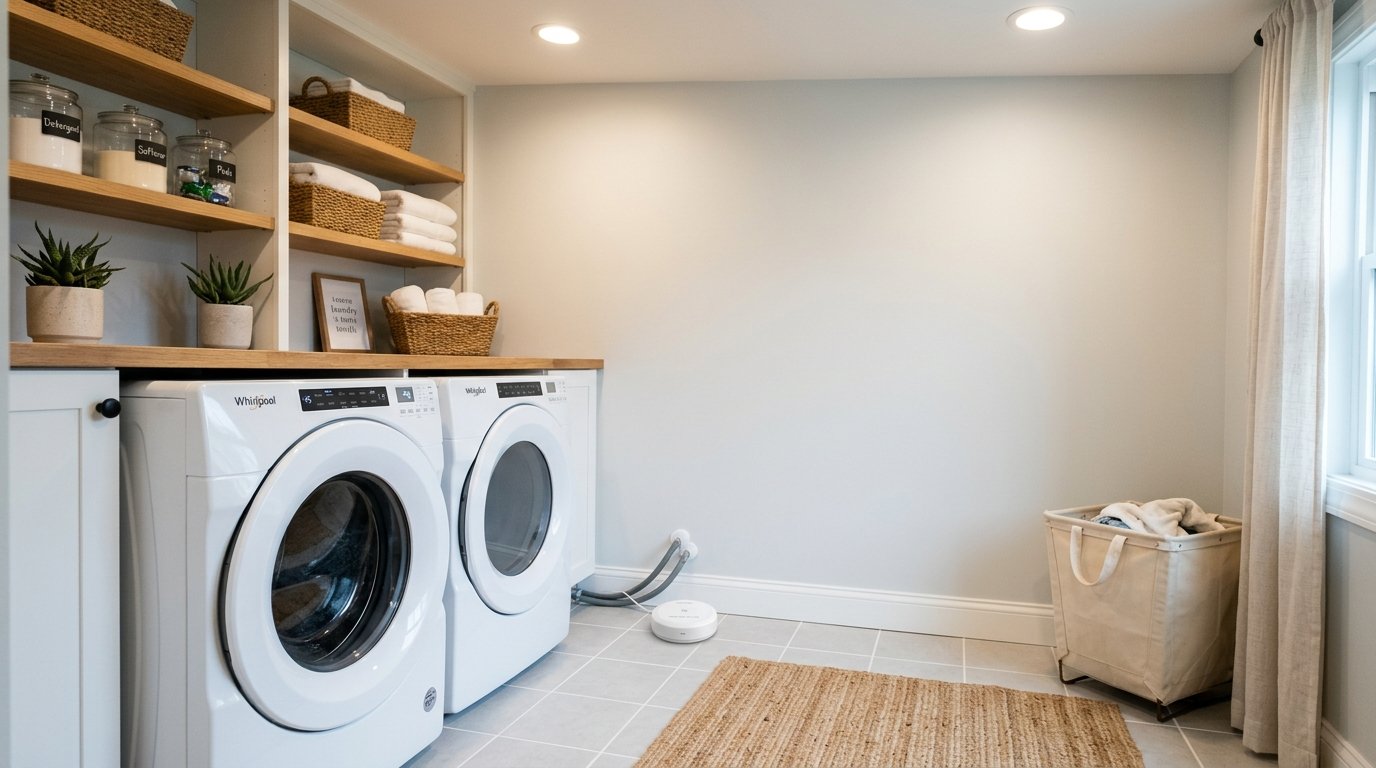
- Our pick: 5-Pack Water Leak Detectors for Home — 100dB water sensor alarm, ideal for basements
Smart outlets with scheduling are another easy add — useful for lamps, chargers, or anything you want to automate on a timer.
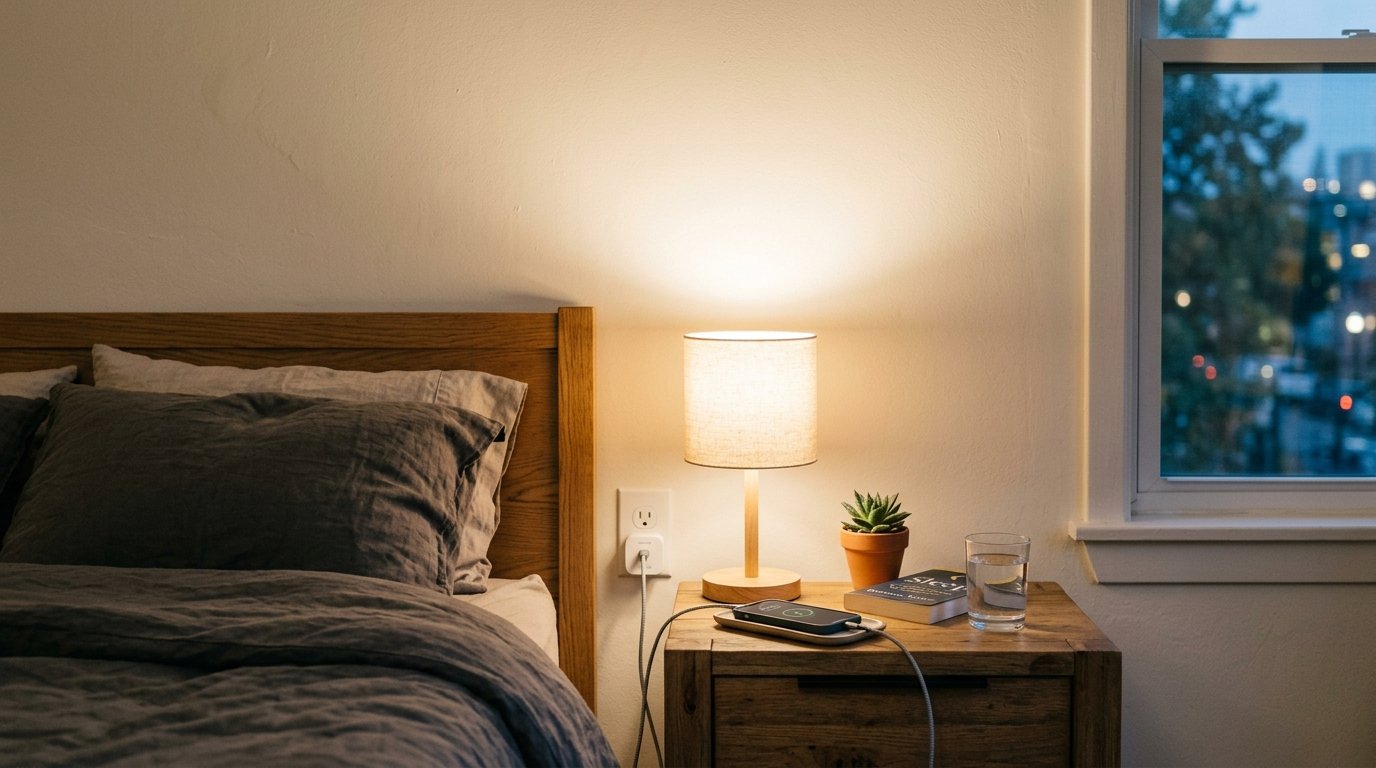
- Our pick: TP-Link Tapo Matter Supported Smart Plug Mini — compact design, 15A/1800W max, works with Apple Home, Alexa, and Google Home, UL certified, Tapo P125M (3-Pack)
Common Mistakes to Avoid
- Buying gadgets that don’t work together. Check compatibility with your hub or ecosystem before buying anything.
- Skipping the router upgrade. A weak Wi-Fi signal will cause every smart device to act up, no matter how good the device is.
- Going all-in too fast. Start with one or two rooms, see what you actually use, then expand.
- Forgetting about backup access. Smart locks and doorbells should always have a manual backup in case of a dead battery or app outage.
Frequently Asked Questions
Frequently asked questions
Do I need a smart home hub?
Not always. Many devices now work fine through their own app or through Alexa/Google Assistant directly. A hub helps most when you have devices from different brands that don't talk to each other on their own.
Is a mesh Wi-Fi system necessary?
Only if you have dead zones or a larger home. For a small apartment, a single good router is often enough.
What's the easiest smart home device to start with?
Smart bulbs or a smart plug. Both are cheap, don't require any wiring, and give you an easy way to test out an ecosystem before committing further.
Get the Free Printable Version
Want to check things off on paper instead? Grab the free printable checklist below.
Download the Free Checklist (PDF)
Looking for specific gear recommendations? Check out our reviews and comparisons for deeper breakdowns on smart home devices. Setting up more than just the tech? Our guides on contemporary home architecture and contemporary interior design cover the room your new gear lives in.
Affiliate disclosure
Some links in this article are affiliate links. If you buy something through them, we may earn a commission at no extra cost to you. This never affects which products we choose to cover or how we rate them. Read our full affiliate disclosure.

Written by
Priya NairBuying Guides Editor
Priya leads buying guides and finance coverage at Fieldnote, with a background in market research. She's allergic to hype and reads the returns policy before she reads the marketing copy.
Newsletter
Get new field notes in your inbox.
Related articles

The Architecture of Contemporary Homes: Why Some Feel Effortless and Others Feel Cold
A deep, practical guide to contemporary residential architecture — floor plans, materials, light, and the design logic behind homes that actually work to live in.

Contemporary Interior Design: A Room-by-Room Guide
How to bring contemporary style into your living room, bedroom, kitchen, and home office — palette, key pieces, and the mistakes worth avoiding.